Budget archive:
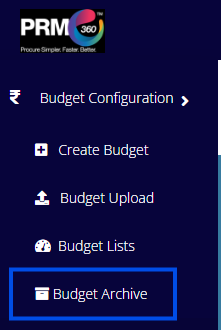
Only drafted budgets can be archived. To archive a drafted budget, the user must click on the Archive option available in the Budget List.
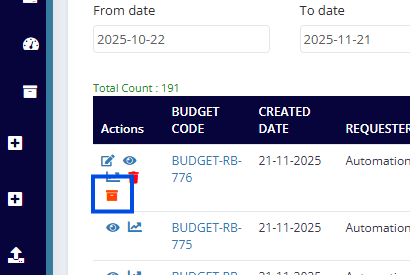
Once the user clicks on the Archive button, a confirmation pop-up will appear as shown below.

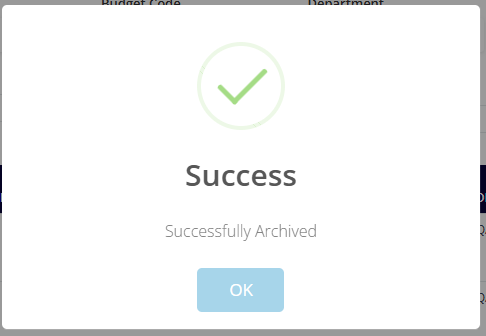
The user must enter the comments and click on Proceed. After submitting, a success message will be displayed as shown below.
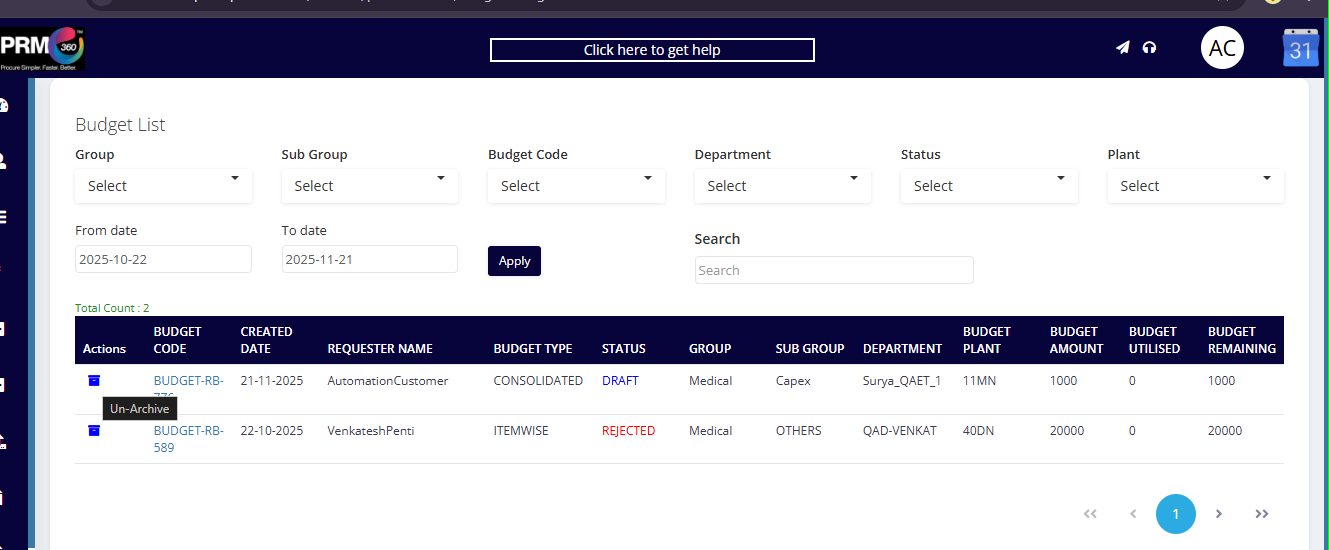
This is how the Budget Archive interface looks. The user can unarchive the budget using the option available. Then the budget will be again visible in the budget list with its previous status.
Was this article helpful?
That’s Great!
Thank you for your feedback
Sorry! We couldn't be helpful
Thank you for your feedback
Feedback sent
We appreciate your effort and will try to fix the article