Workflow Creation:
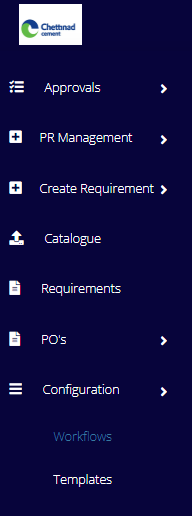
To create a workflow, we need click on the configuration and then workflows as shown below.
After clicking on the workflow,w the below interface will be displayed.
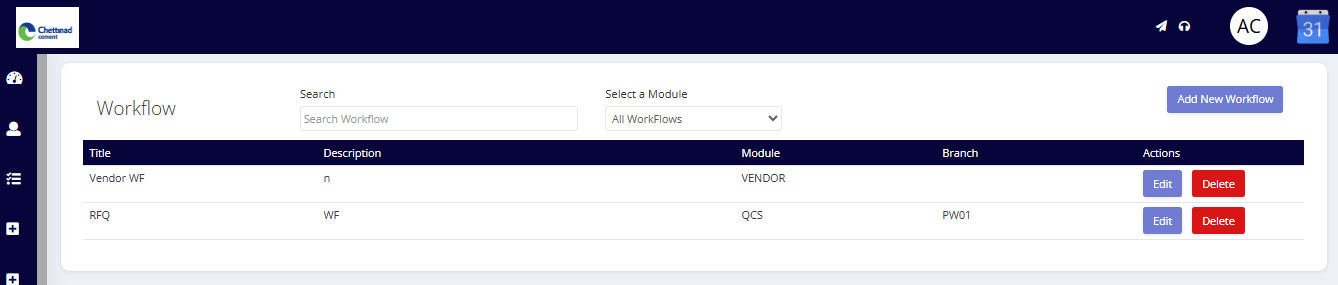
We need to click on add a new workflow.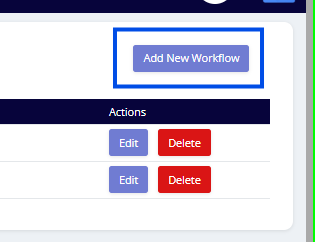
It will route to the blow page
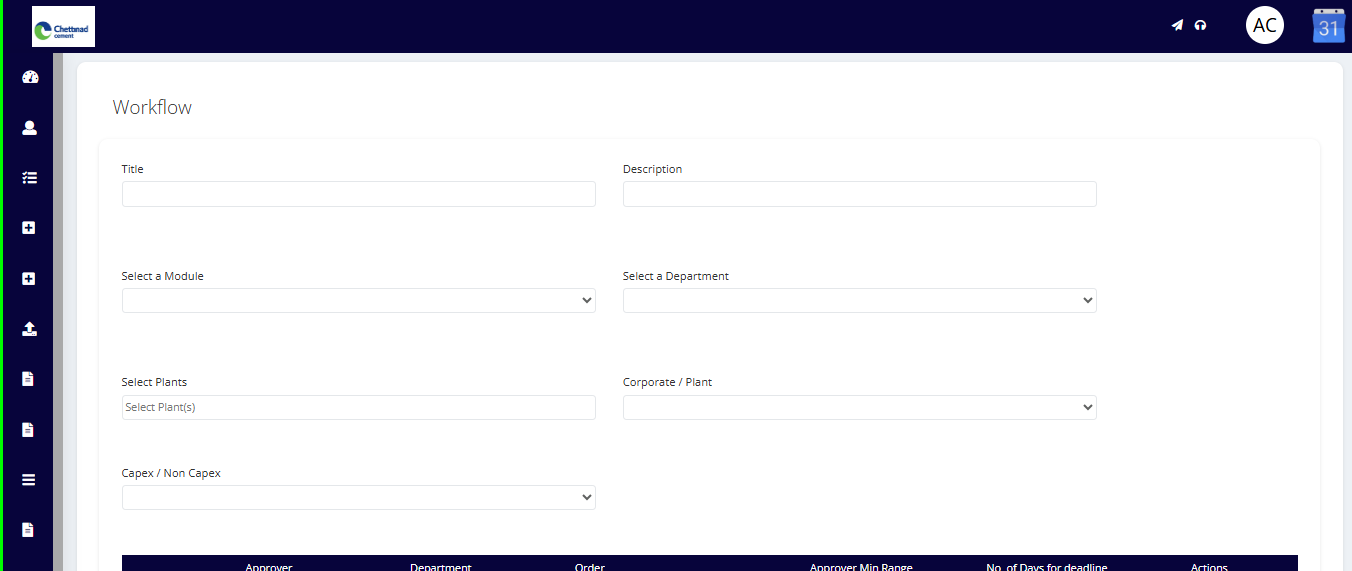
Here we need to fill the following details they are
Title: Name for the workflow.
Description for the workflow.
Module: For the module which we are creating the workflow (need to select from the dropdown available).
Department: For the department which we are creating the workflow (need to select from the dropdown available).
Plant: For the plant which we are creating the workflow (need to select from the dropdown available). the user can select multiple plants.
Corporate/plant: The user needs to select from the dropdown whether it is corporate or plant.
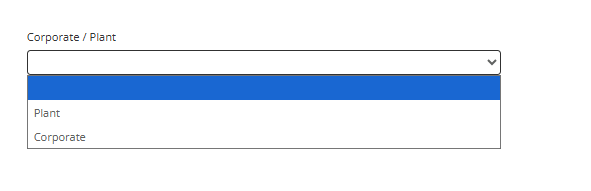
Capex/ non-capex:
The user needs to select from the dropdown whether it is Capex/ Non-Capex.
After filling all the details, then the user needs to add the level of approvals by clicking on the department and selecting the designation in that. Also, we can add a range for the workflow and need to click on add step .
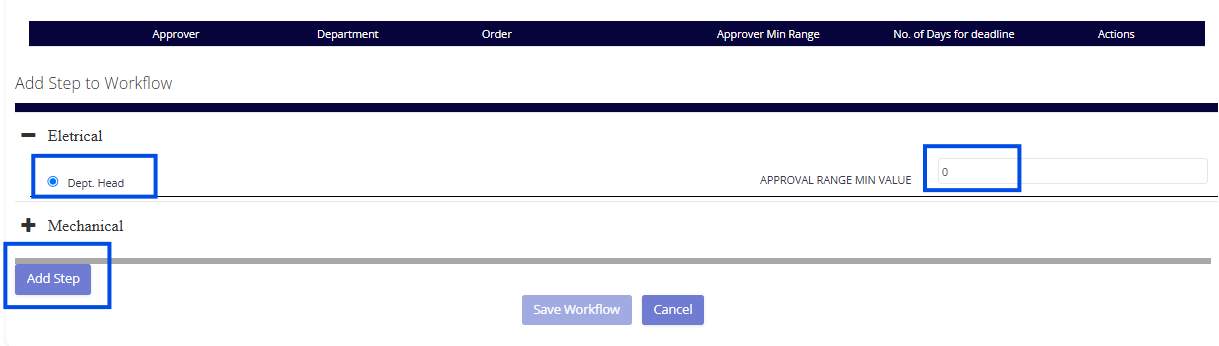
Once after adding the step, we need to save the workflow.
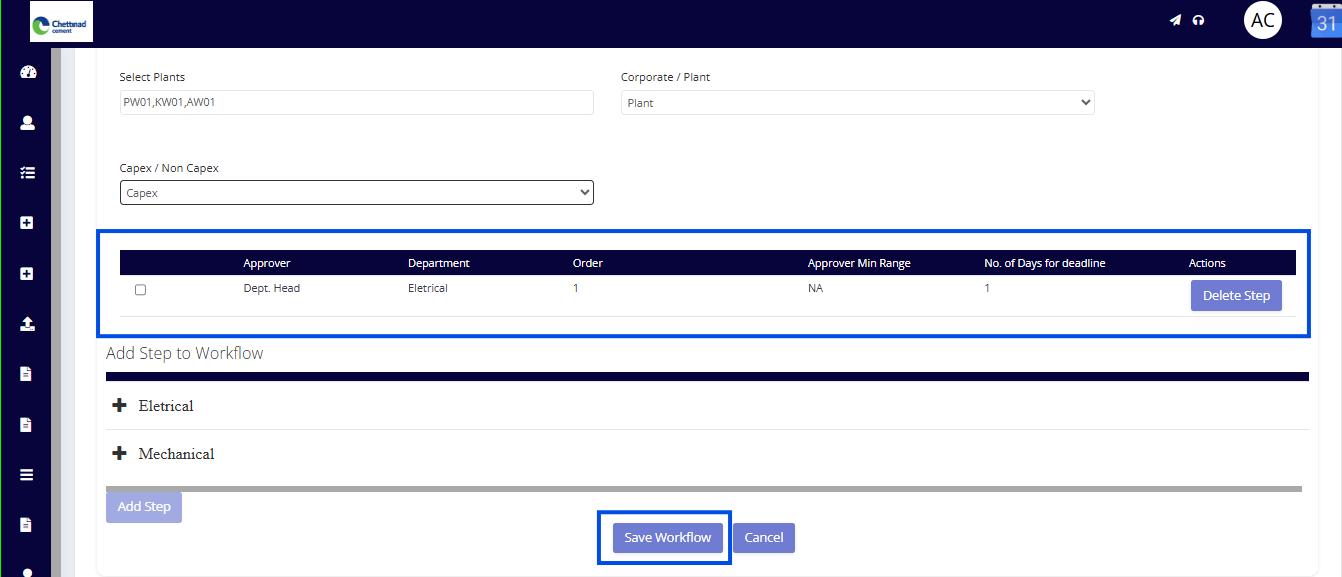
Note: Only the admin can create the workflows
Was this article helpful?
That’s Great!
Thank you for your feedback
Sorry! We couldn't be helpful
Thank you for your feedback
Feedback sent
We appreciate your effort and will try to fix the article