Material Master:
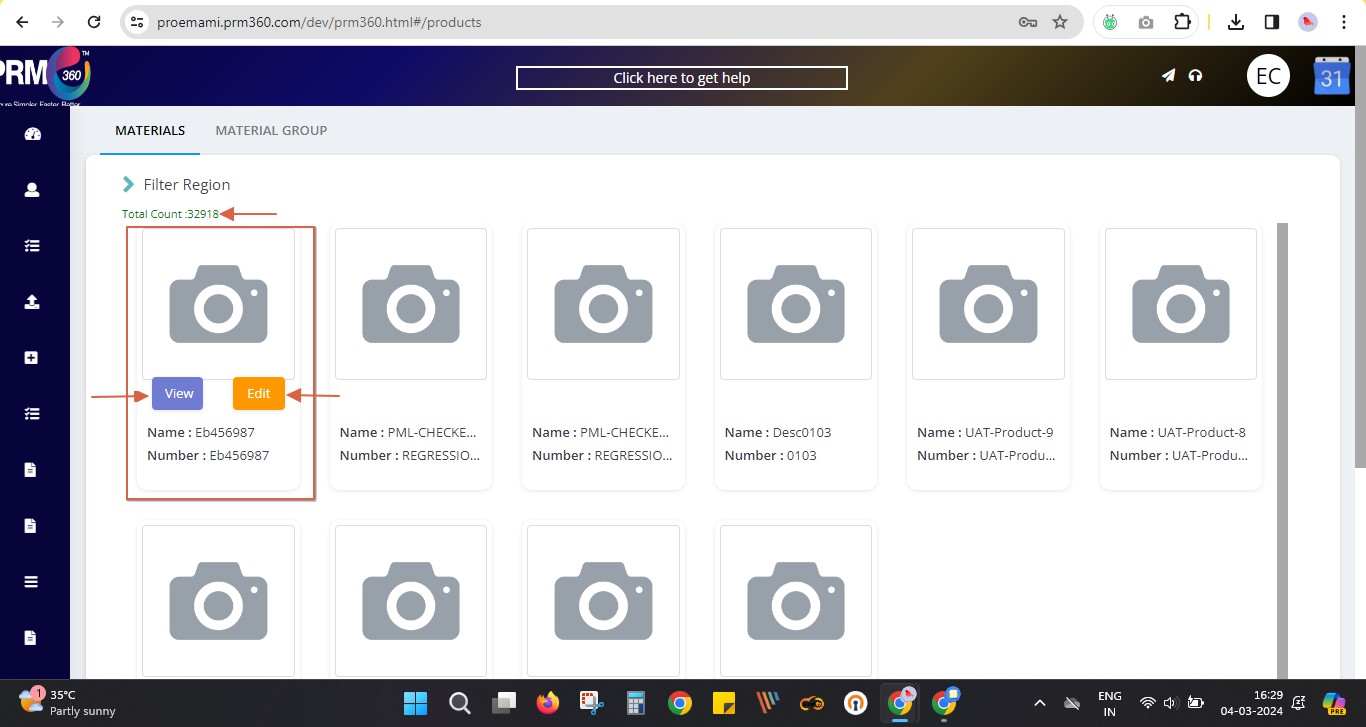
Most of the materials are pushed from SAP to PRM. These materials can be viewed under the materials tab.
The user can view the materials as well as edit by using the following view & edit buttons on the material respectively.
The total count of materials can also be seen on the screen as shown below.
View screen:
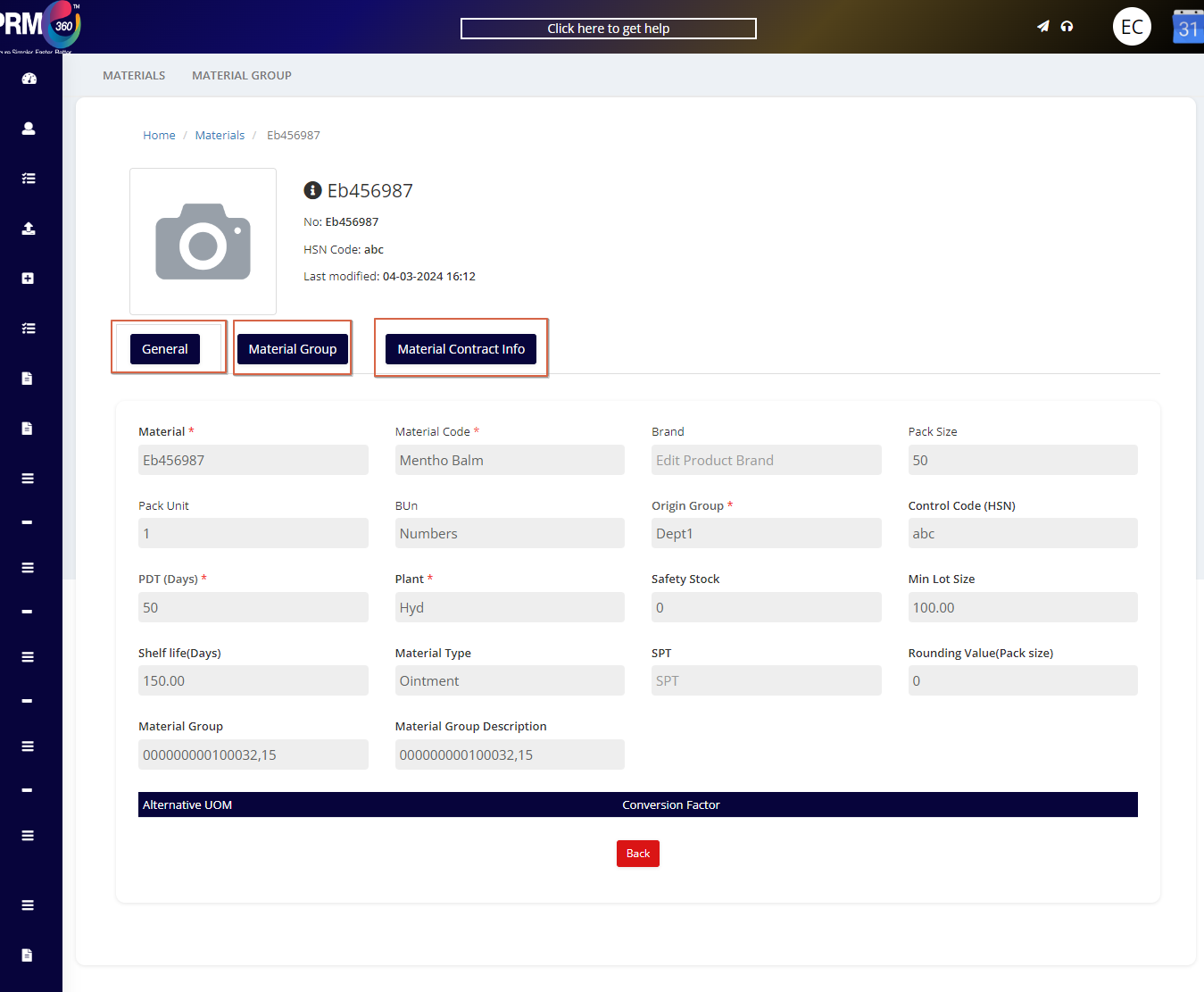
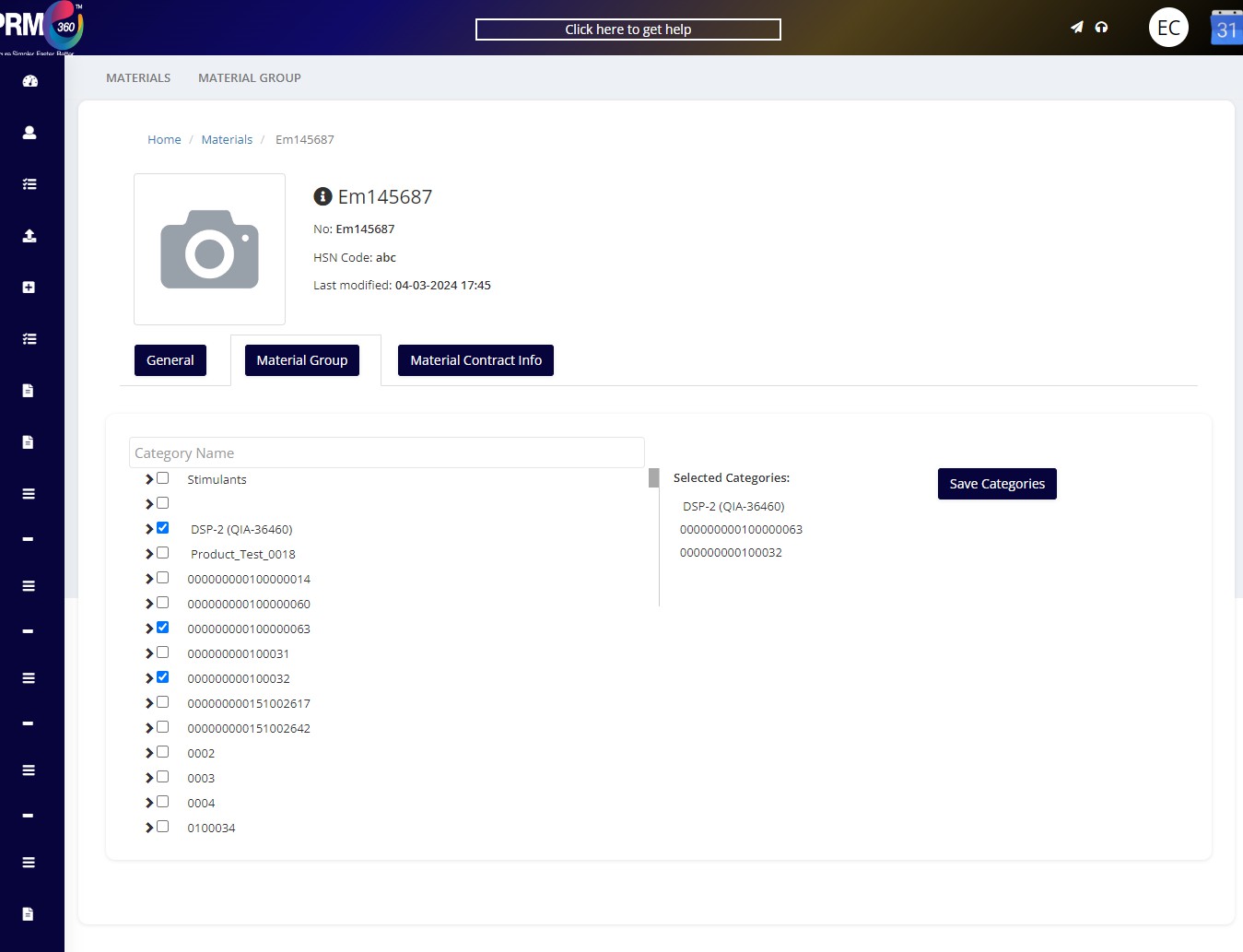
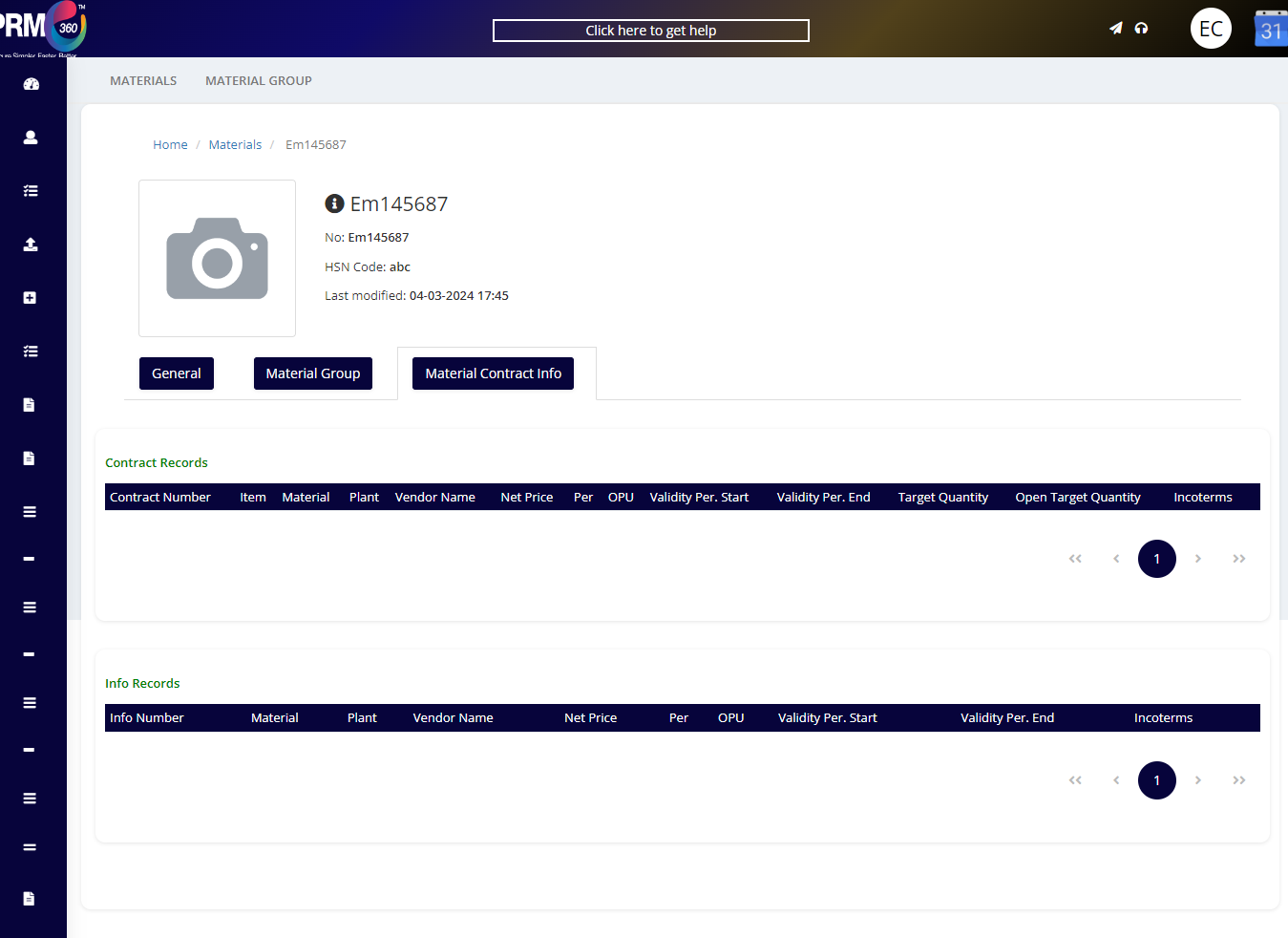
Each material's general details, which material group that product belongs to, and if any contract or info records are present to that material can be viewed under this screen.
The same will be displayed under the edit option.
To save the changes made for a material, ensure that all the mandatory 1elds such as material code, origin group, PDT (Days), plant, etc are to be 1lled.
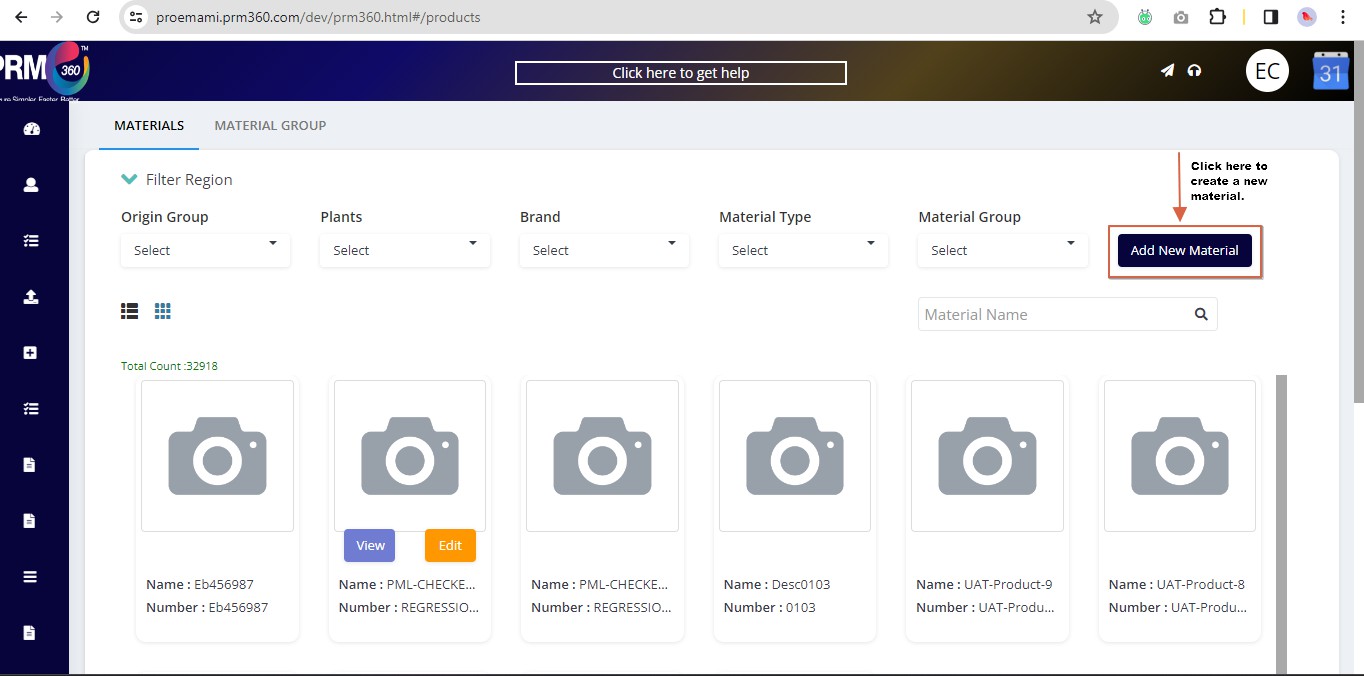
Click on Filter Region for the ‘Add New Material’
Users also have the leverage to create new materials in the PRM application by clicking on the Add New Material button.
Page 1
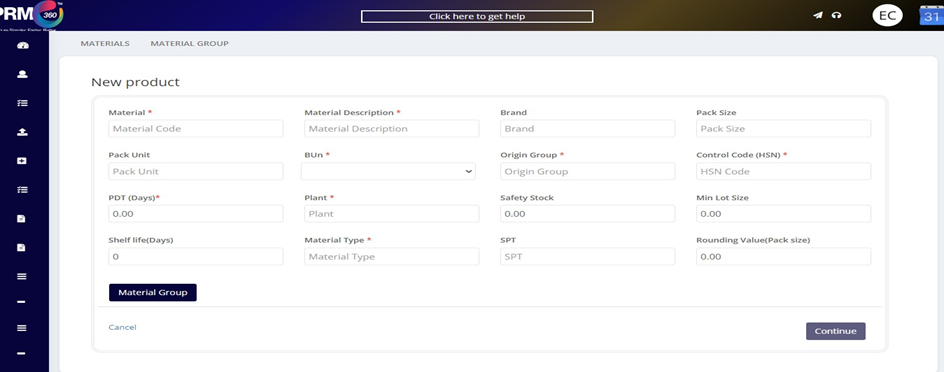
Once the details are 1lled in this page click on continue. After the material group details are added the product is save in the system successfully.
If this material has any contracts or info records that can be viewed under material contract info.
Was this article helpful?
That’s Great!
Thank you for your feedback
Sorry! We couldn't be helpful
Thank you for your feedback
Feedback sent
We appreciate your effort and will try to fix the article