Login Page:
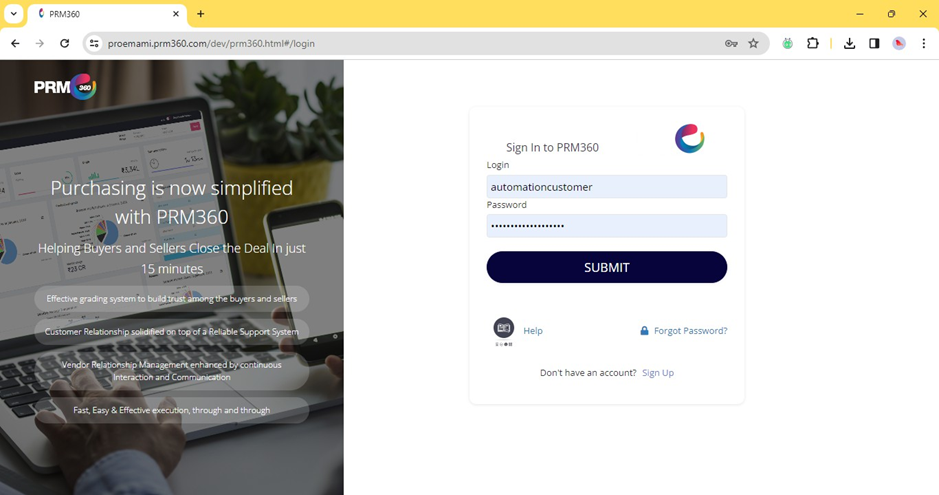
The User will be able to log in to PRM360 with the below-mentioned URL
https://proemami.prm360.com/dev/prm360.html#/login
Forgot Password:
Phone: The registered mobile number of the user would be the login ID
Password: If the user is logging in for the first time, a mobile number with the suffix 1
would be the password, For example, Phone– 63******66
Password– 63******661
After successful login for the first time, the system will navigate to the below screen
3
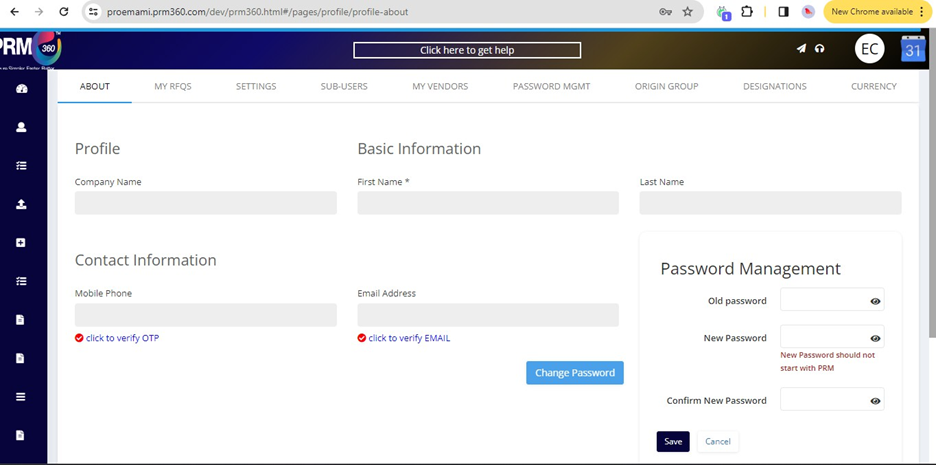
As part of the standard authorization process, the user must verify the email address.
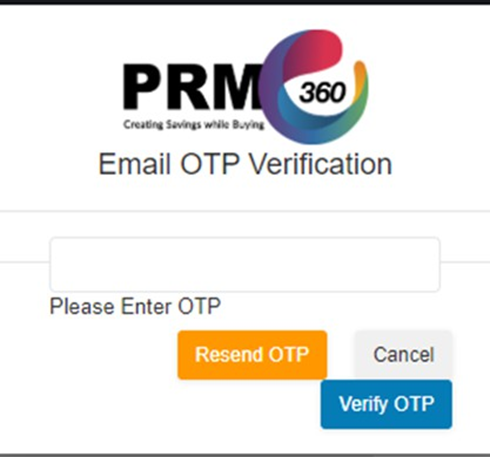
Once the user clicks on Click to verify Email, the system will trigger an OTP to the
user’s registered email ID.
Was this article helpful?
That’s Great!
Thank you for your feedback
Sorry! We couldn't be helpful
Thank you for your feedback
Feedback sent
We appreciate your effort and will try to fix the article