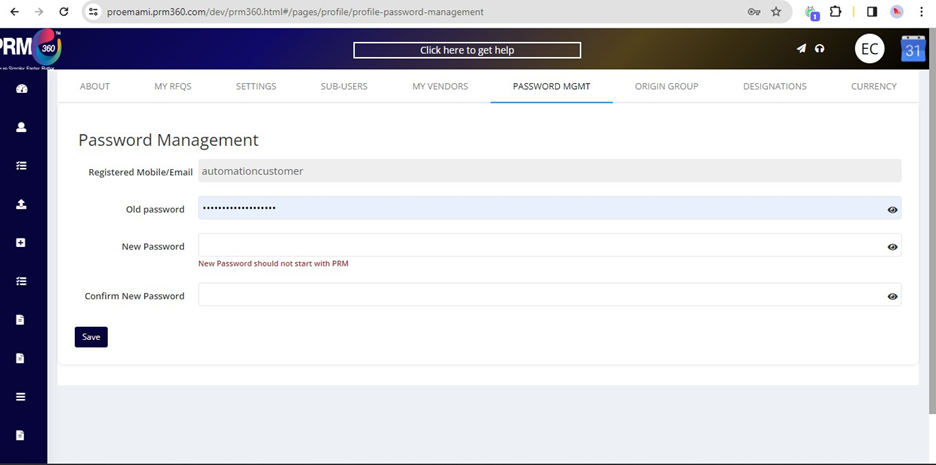
Password Management:
Users can leverage the Password Management page to update the credentials when the user intends to.
Origin Group:
In Emami, the Origin Group is the Department name. Admin can add the origin group by clicking on the Add New Origin Group option.
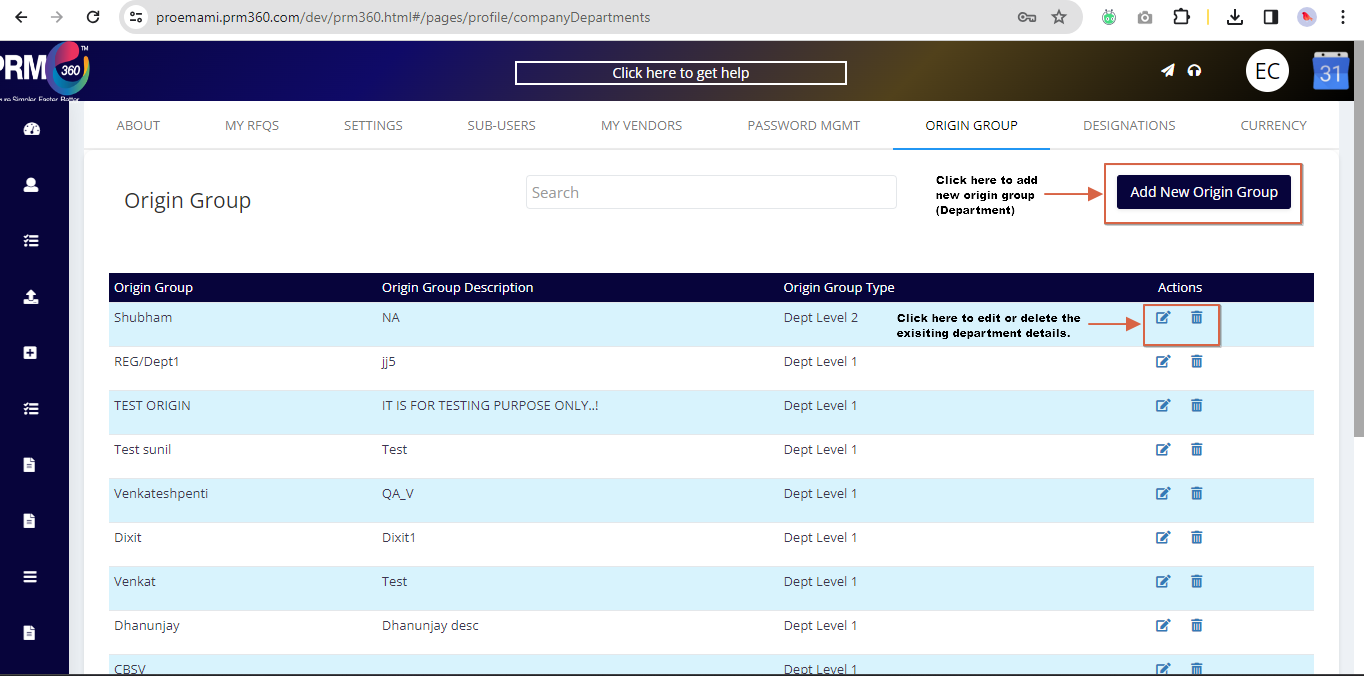
Once the Add new tab is clicked, the following screen will appear.
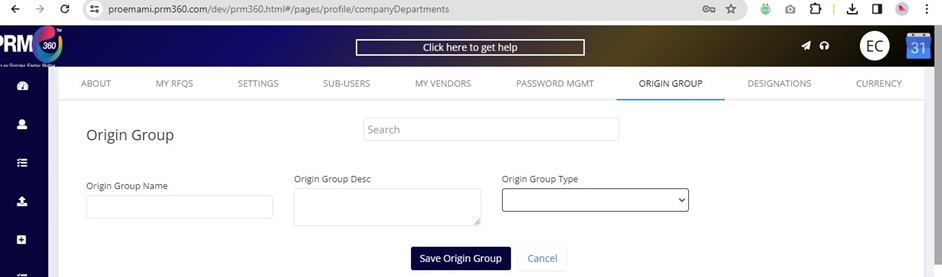
Here, the user can fill in the group, description names and select the corresponding group type and save the details.
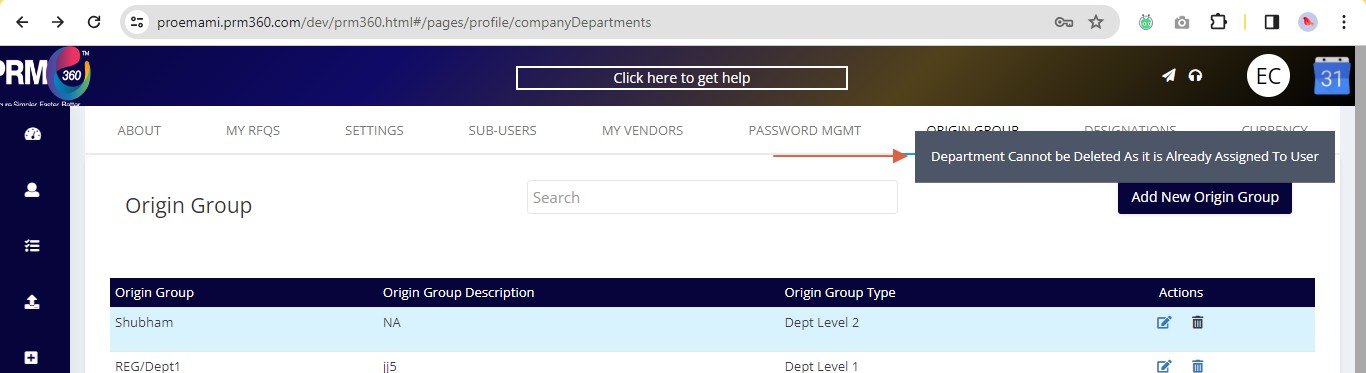
Note: The department cannot be deleted if it is assigned to the user in the PRM portal. An error message will be displayed if the department is being deleted.
Was this article helpful?
That’s Great!
Thank you for your feedback
Sorry! We couldn't be helpful
Thank you for your feedback
Feedback sent
We appreciate your effort and will try to fix the article