Step-1:
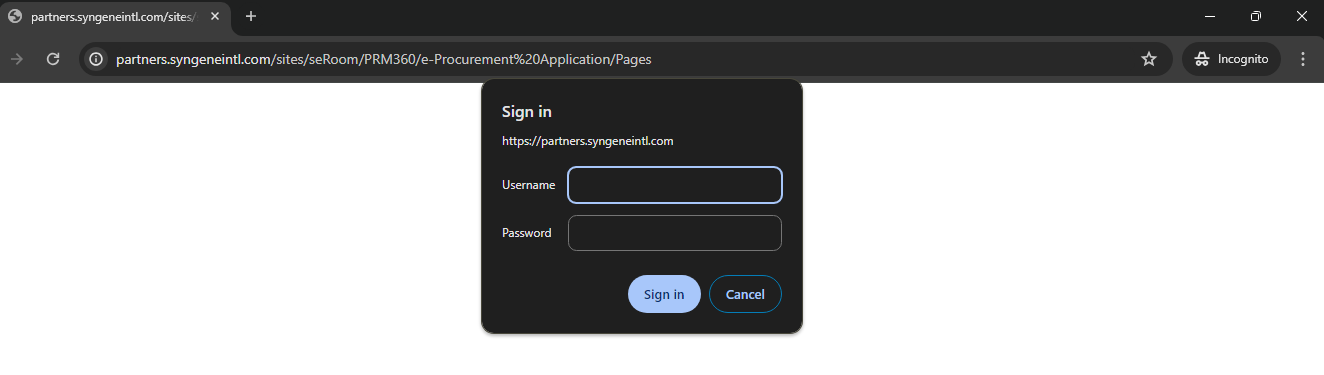
Click on the below URL:
https://partners.syngeneintl.com/sites/seRoom/PRM360/e-Procurement%20Application/Pages
Enter the Username and Password to login
Username: AFRONA
Password: $syn15032024(Password will be updated for every 3 months)
Step-2:
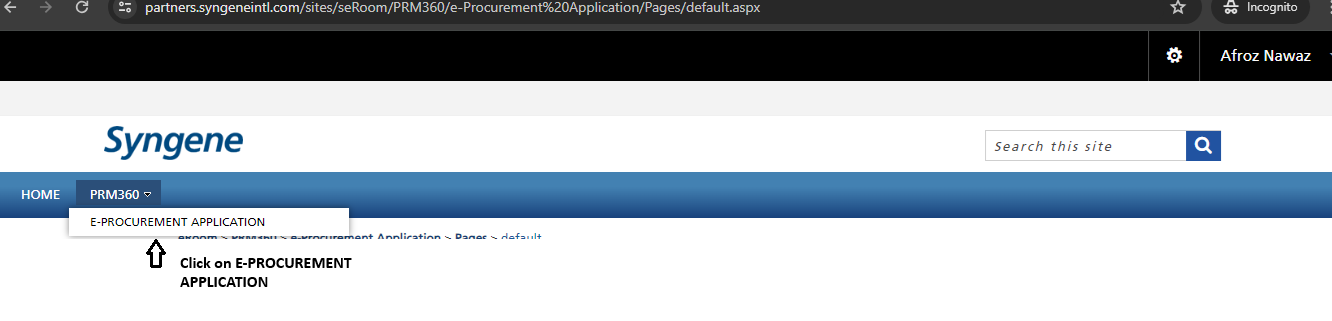
Select E-PROCUREMENT APPLICATION
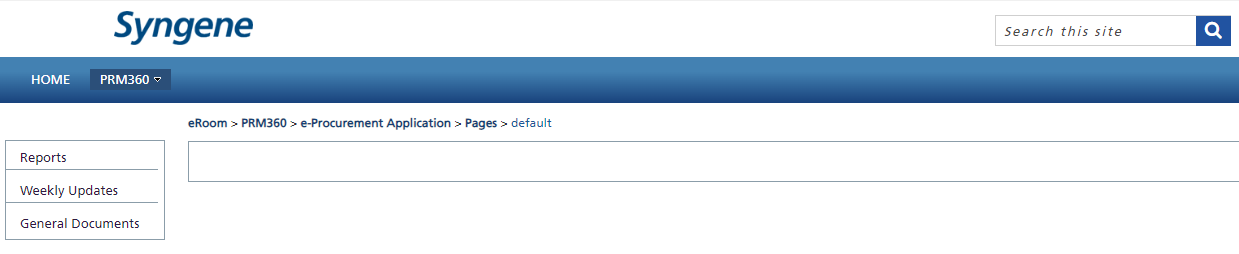
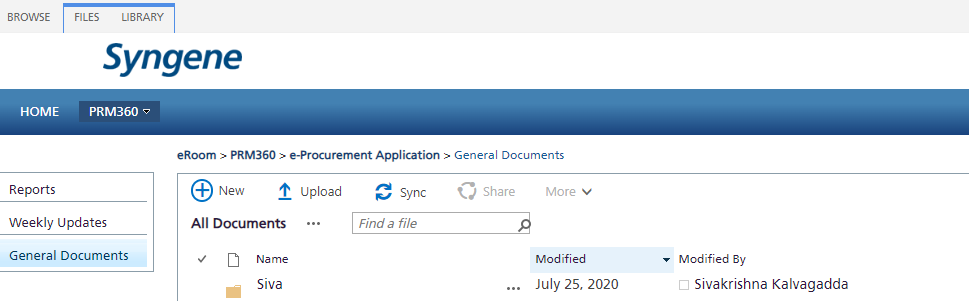
Select General Documents
Step-3:
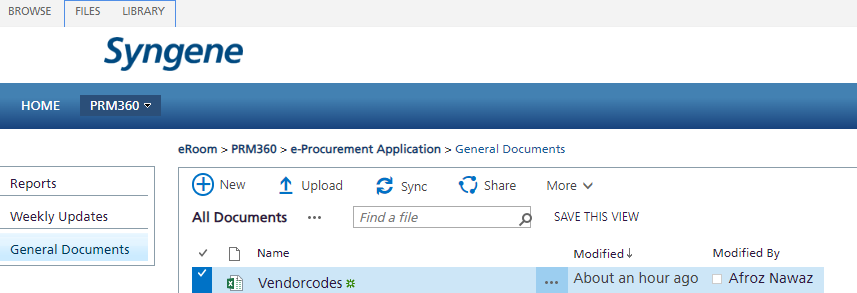
Click on Upload-> choose the file from the computer to upload any files.
Step-4:
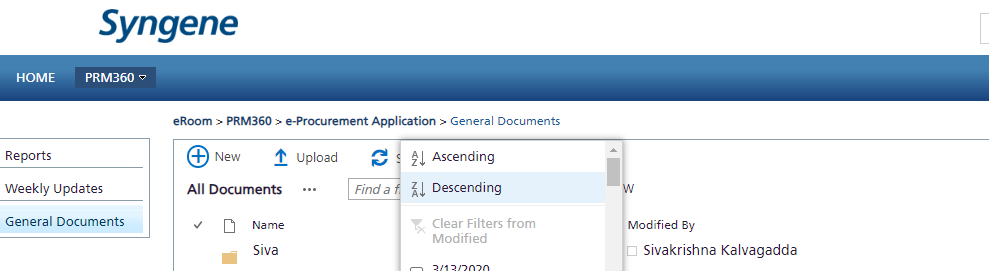
Click on Modified and select descending for the most recent data
Step-5:
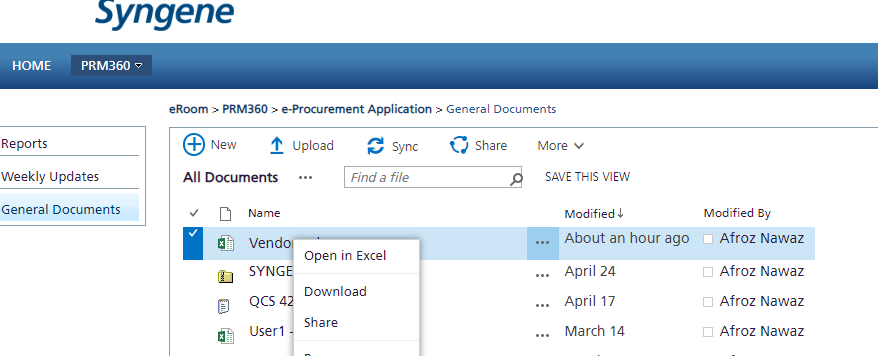
Right-click on the file, and select "Download" from the menu.
Was this article helpful?
That’s Great!
Thank you for your feedback
Sorry! We couldn't be helpful
Thank you for your feedback
Feedback sent
We appreciate your effort and will try to fix the article